The Best AI Powered Design Tools — Curated by Designers Who Actually Use Them
320+ AI tools for UI/UX, graphic design, 3D, motion, interior design & more. Every tool is hands-on tested and reviewd. Updated every Monday.
300+
Tools Tested
5,000+ Designers Trust Us
Weekly
Updated Every Monday
Trusted by design teams at

Browse by Discipline
AI Design Tools by Category
Graphic Design
3D Design
Motion Design
Illustration & Art
Presentations
Interior Design
Industrial Design
Architecture
Editor's Pick: Best AI Design Tools Right Now
Handpicked by our editorial team based on real-world use, weekly updates, and designer community feedback. These are the ai design tools worth your time in 2026.
Most-Used Category
Vista AI offers AI-powered automation for faster, more consistent MRI scans. This FDA-cleared software makes high-quality imaging accessible to all sites and technologists.
Best AI UI/UX Design Tools for Faster Prototyping & Wireframing
From wireframes to full prototypes — these AI-powered tools cut design time in half without sacrificing quality. Tested by our UI/UX design team.
Most-Used Category
AI‑assisted design & prompt‑to‑code within Figma
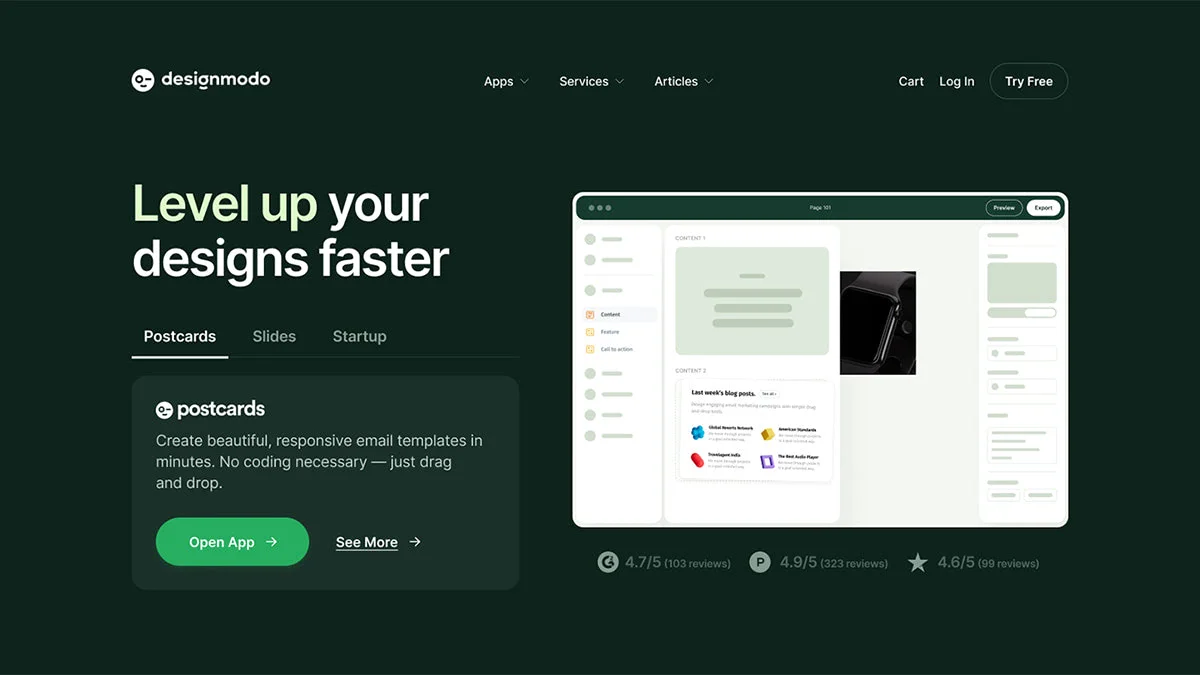
Level up your designs faster
Sketch and ideate interfaces using AI
Turns prompts or sketches into UI + front‑end code.
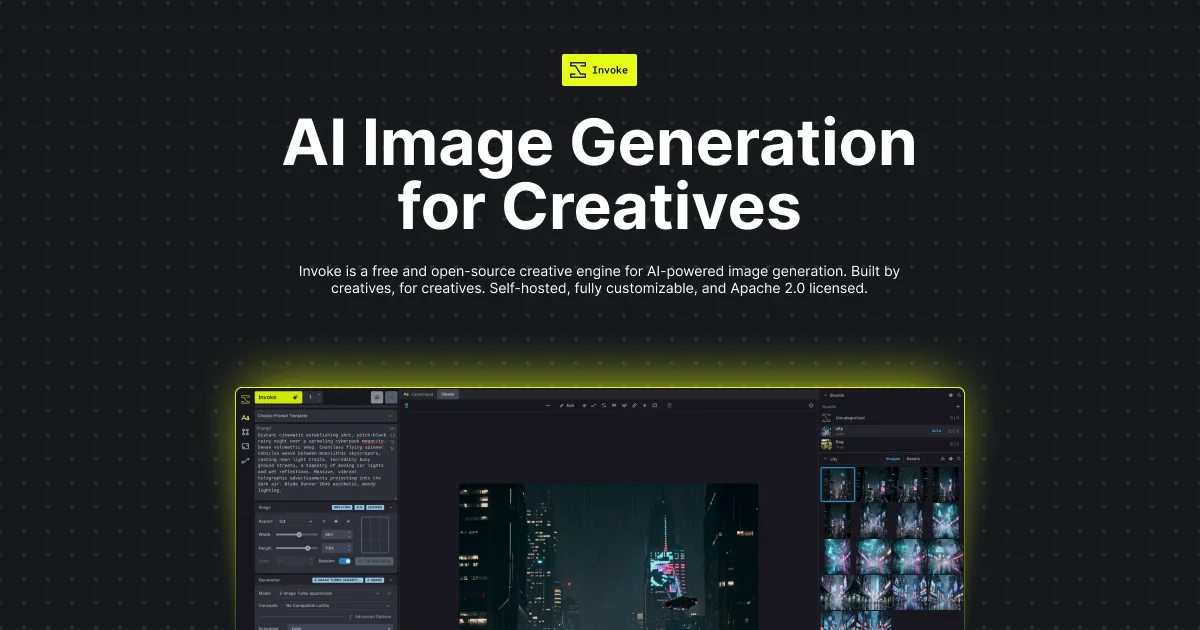
Invoke is a free
AI anime art generator
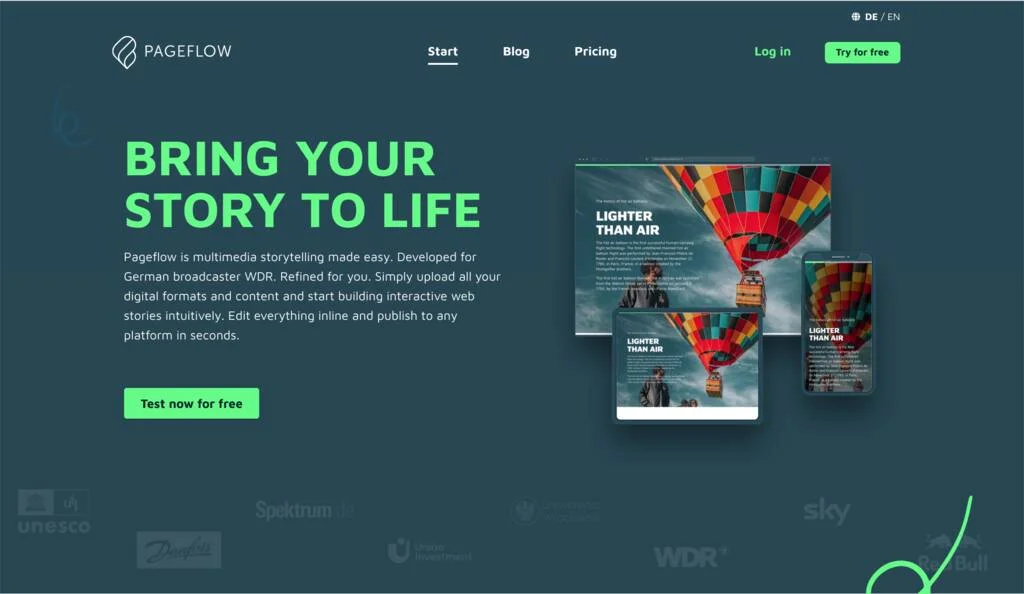
Pageflow is multimedia storytelling
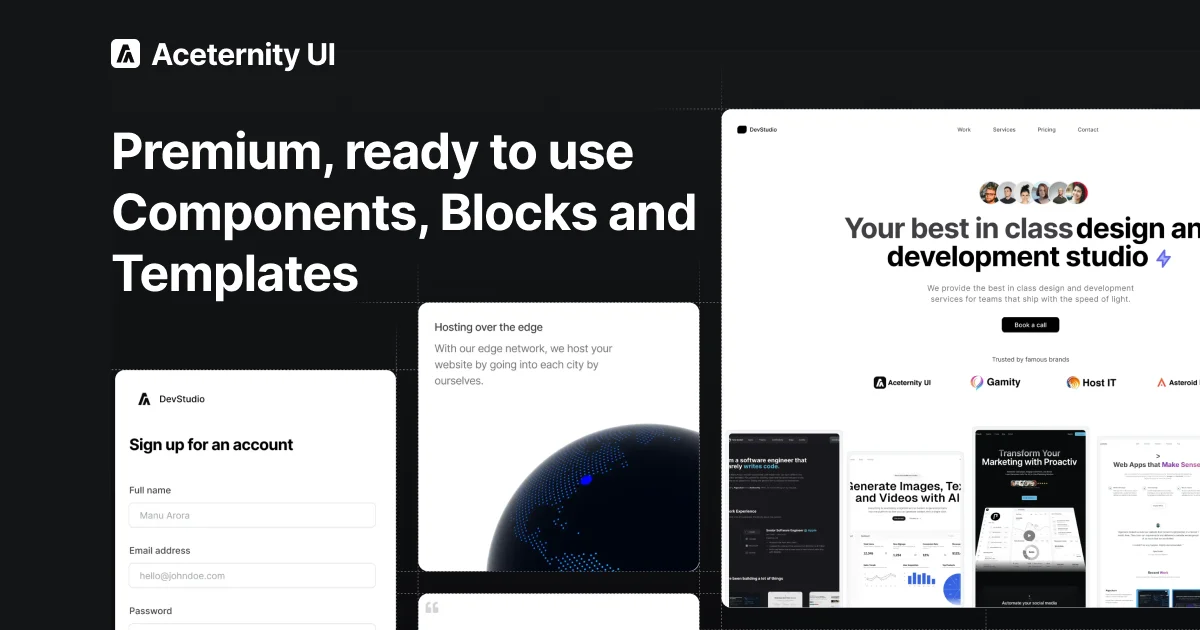
Premium, ready-to-use components, blocks,
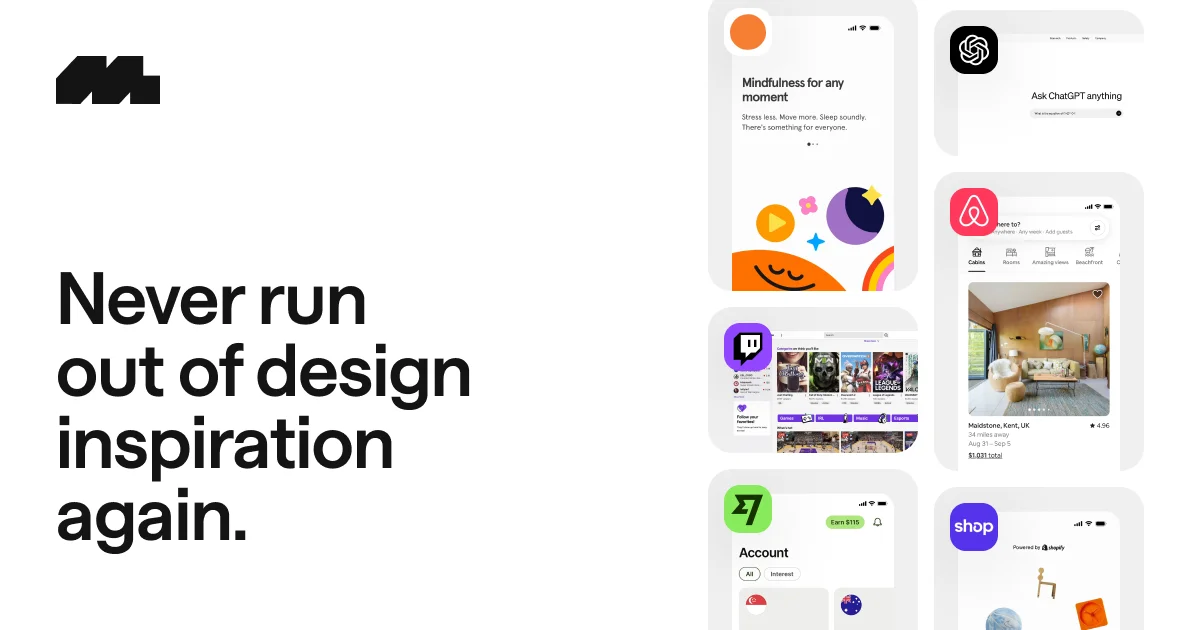
The world’s largest mobile
AI infrastructure platform that
Design Faster with Millions
A collection of free
Best AI Graphic Design Tools for Logos, Branding & Social Media
Whether you’re designing a logo, building a brand identity, or creating scroll-stopping social graphics — these are the AI tools graphic designers actually rely on.
Most-Used Category
Create ecommerce graphics, ads, and product visuals with AI
An AI-powered tool that
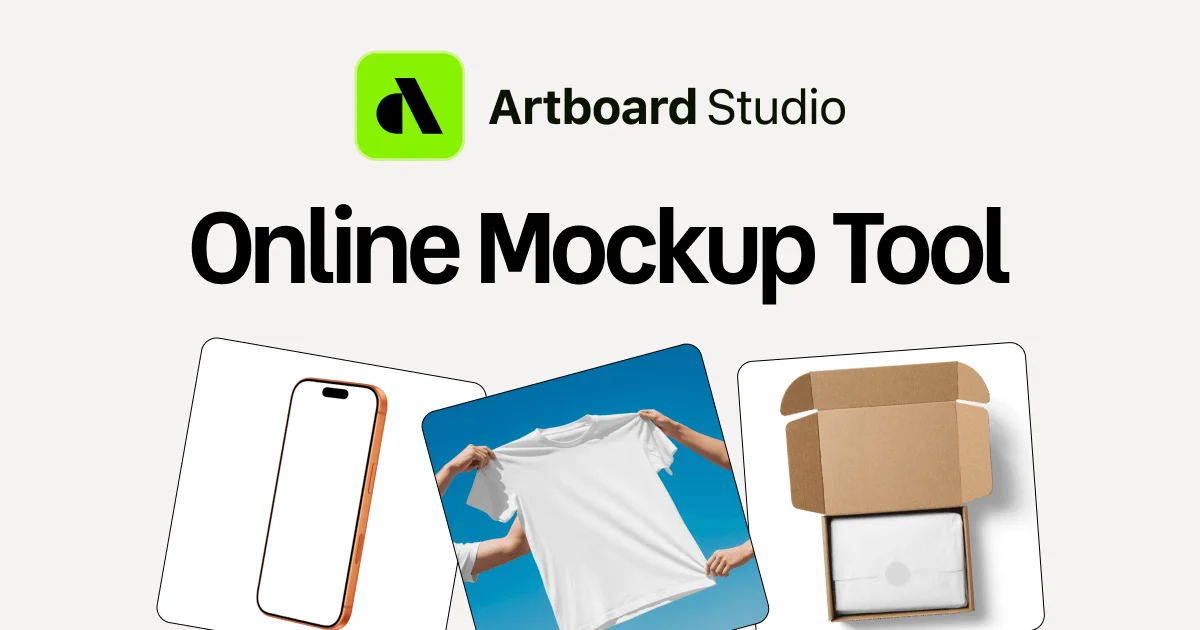
A free online mockup
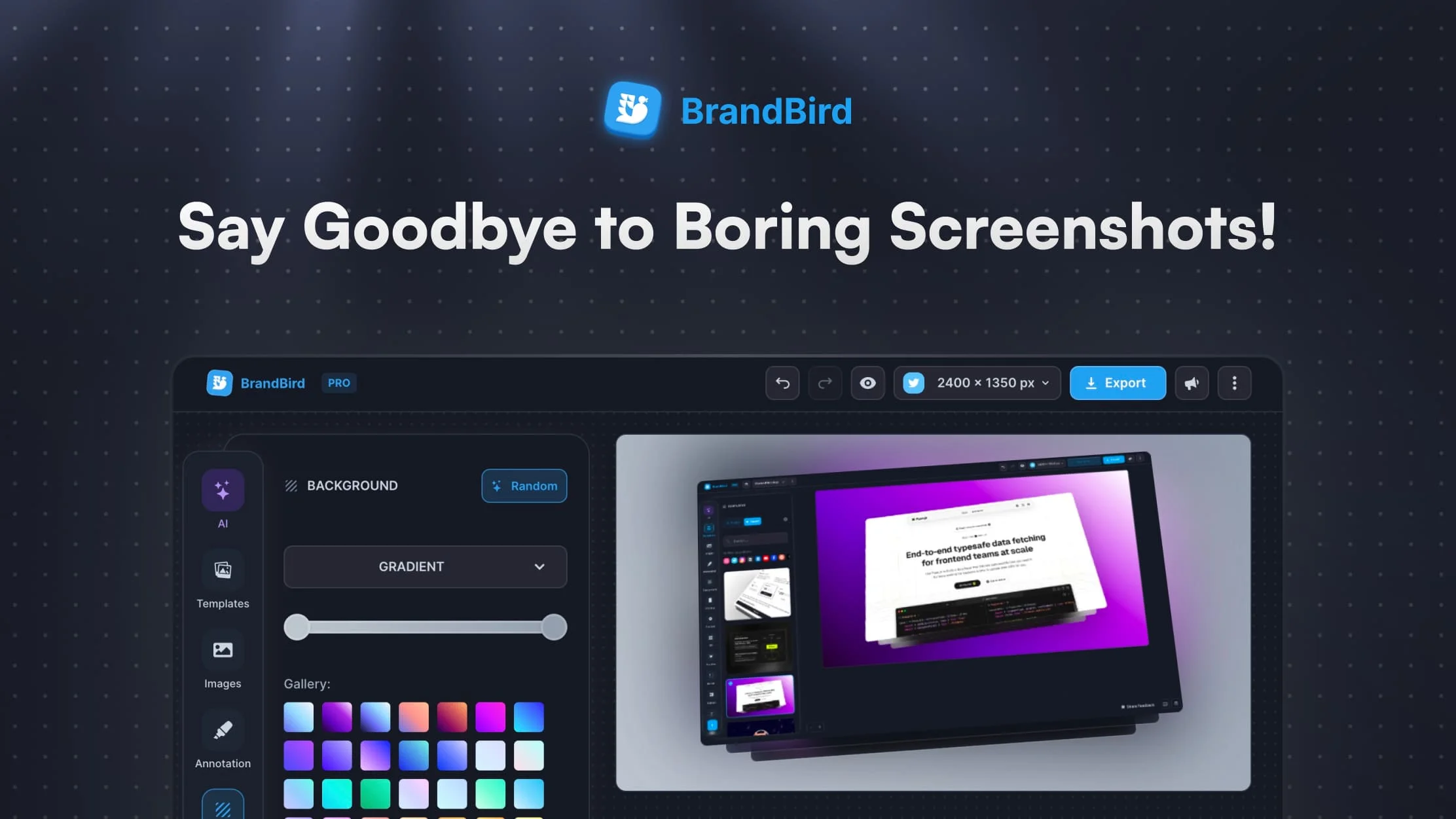
Transform your screenshots into
An API to automatically
Create realistic product, packaging,
Generates high-quality AI art,
An AI photo editor
Fire your photographer. Create
Best AI 3D Design Tools for Modeling, Rendering & Product Visualization
Generate 3D models from text, render photorealistic scenes, and accelerate product visualization — all with AI. No more weeks-long modeling cycles.
Most-Used Category
Vista AI offers AI-powered automation for faster, more consistent MRI scans. This FDA-cleared software makes high-quality imaging accessible to all sites and technologists.
Best AI Motion Design Tools for Animation, Video & Motion Graphics
From AI-generated animation to prompt-driven motion graphics — these tools let designers produce high-quality video and movement without a full animation studio setup.
Most-Used Category
Generate motion from images and text.
AI Avatar & Image-to-Video Generator
Procedural animations enhanced by AI
AI Automatic Video Editor & Short-Form Clip Generator
AI Presentation Generator for
AI Video Editor &
Whiteboard & Hand-Drawn Animation
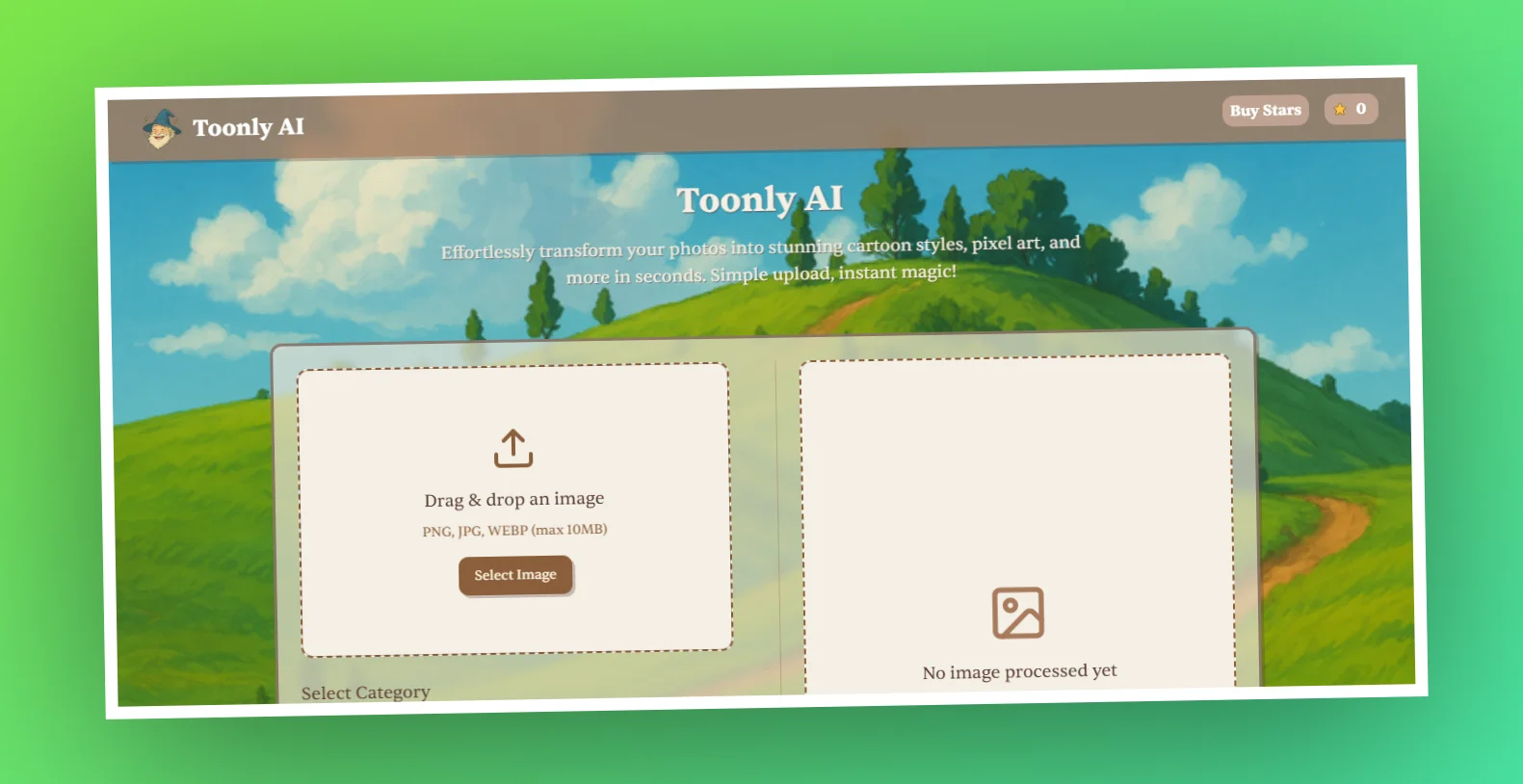
Photo-to-Cartoon & Stylization Tool
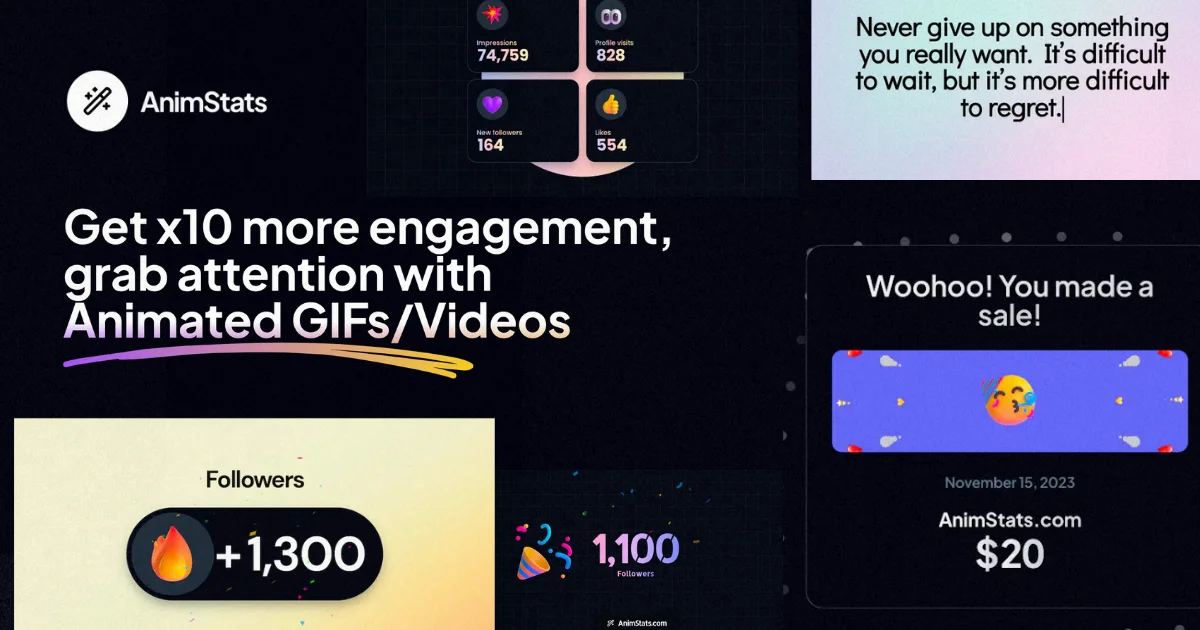
Animated GIF & Data
AI Avatar & Image-to-Video
AI Video Creation &
AI Video Generator &
Best AI Illustration & Art Tools for Concept Art, Storyboards & Digital Drawing
AI is transforming how illustrators, concept artists, and storytellers work. These tools handle the heavy lifting so you can focus on creative direction.
Most-Used Category
Free AI Art Generator and Creative Tools
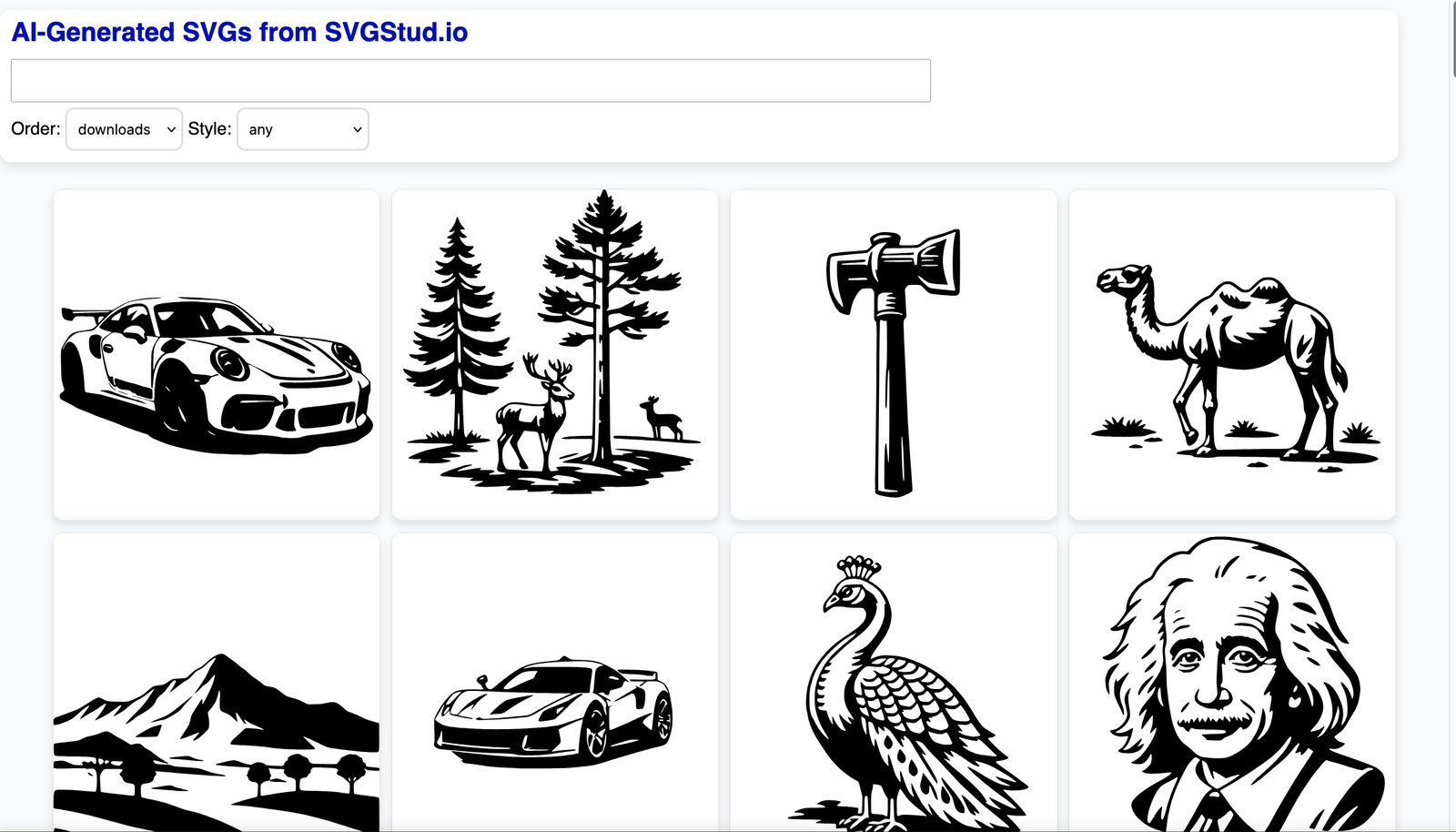
AI‑powered SVG generator and editor
AI Image and Video Generator by CapCut
Generate conceptual and stylized illustrations.
3D models, textures, and
Poly Haven is a
Chaos Vantage, and other
Interior Business Management &
Maximize Your Image Quality
AI Photo Enhancer
Upscale and Enhance Your
Enterprise AI Workspace for
Best AI Presentation Design Tools for Pitch Decks, Slide Design & Reports
Stop spending hours in PowerPoint. These AI-powered tools generate polished, on-brand slide decks from your outline or talking points in minutes.
Most-Used Category
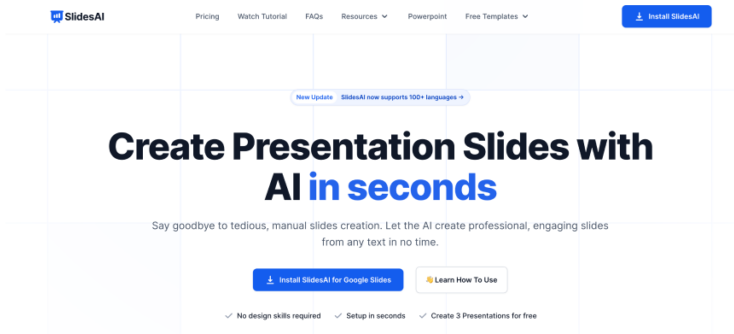
Create Stunning Presentations with AI
Turn text into slide presentations automatically.
AI Home Design & Visual Renovation Tool
Interactive Presentation & Document Builder
AI Home Design &
AI Cancer Diagnostics &
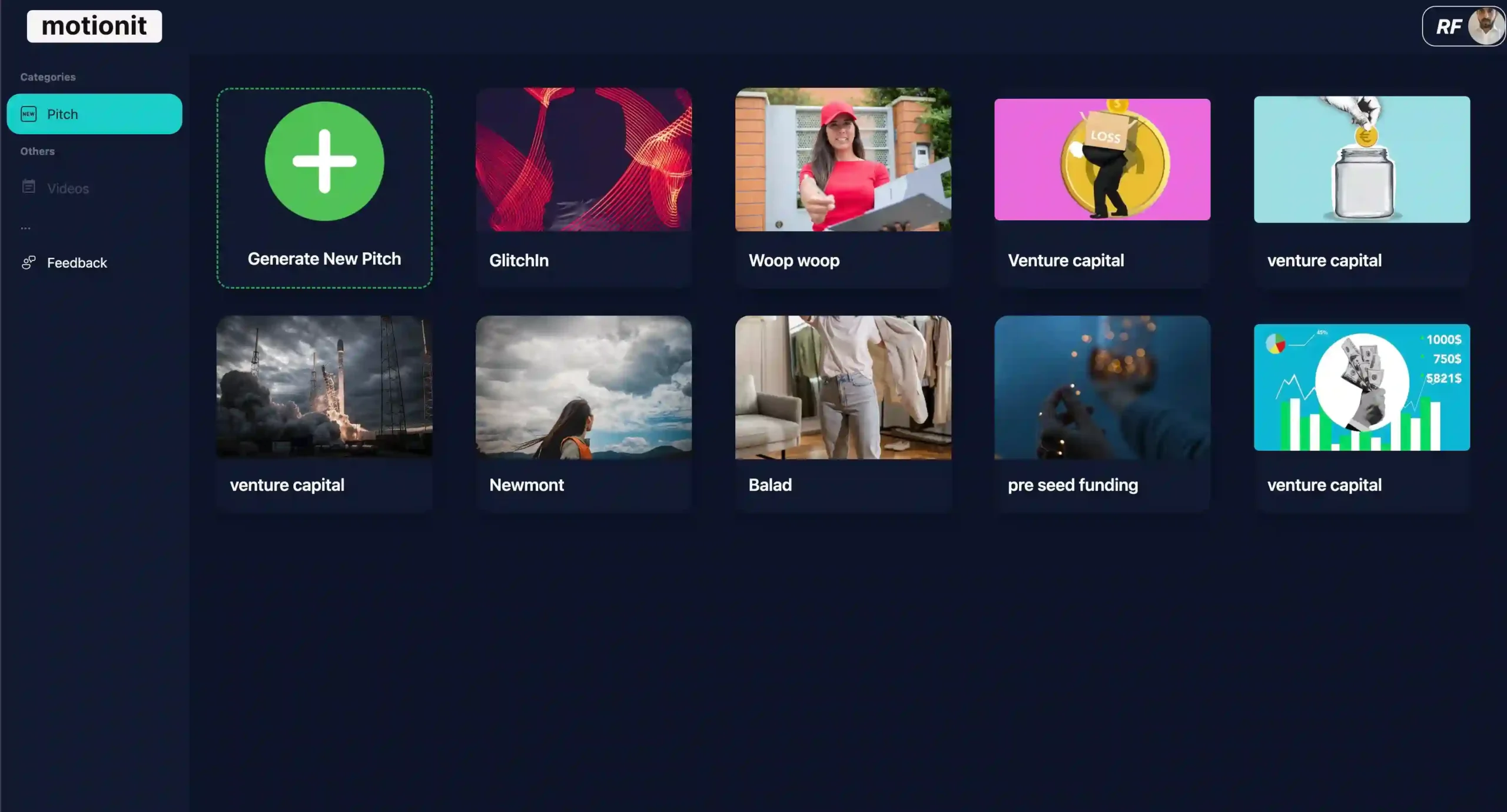
AI Pitch Deck &
AI-Powered Life Sciences Communication
No-Code IoT & Location
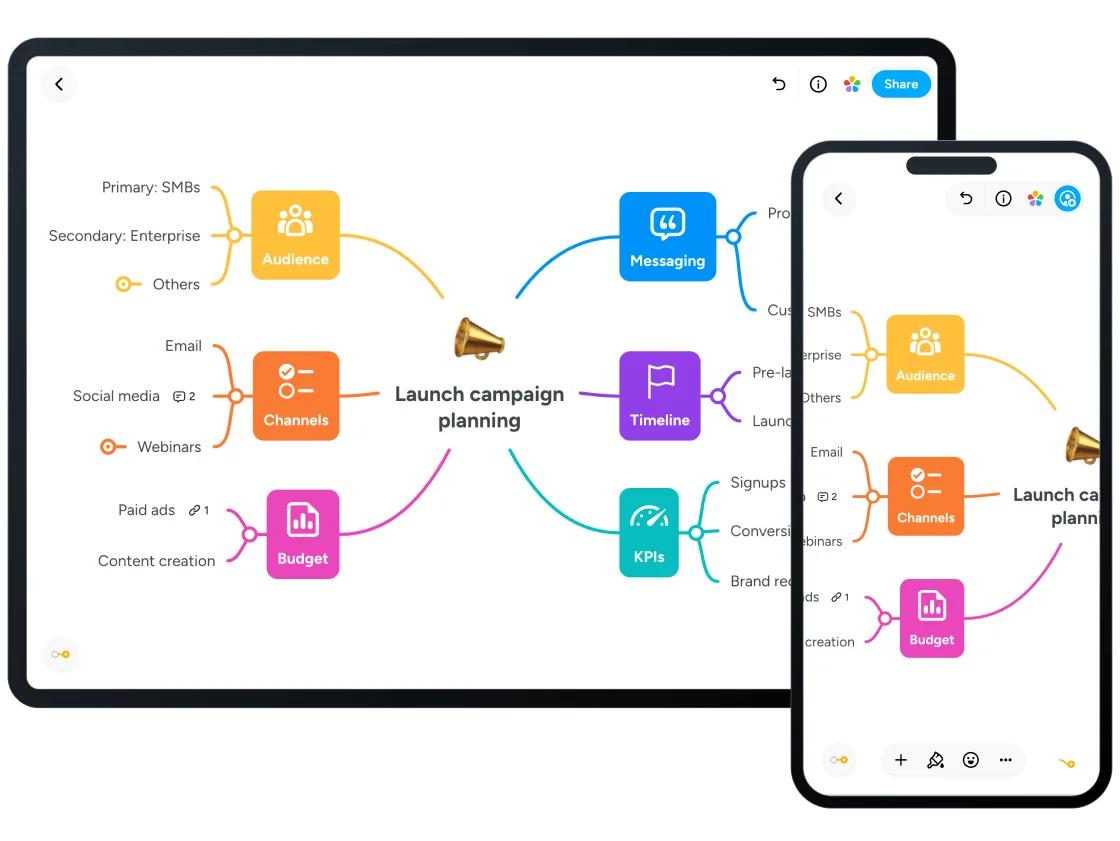
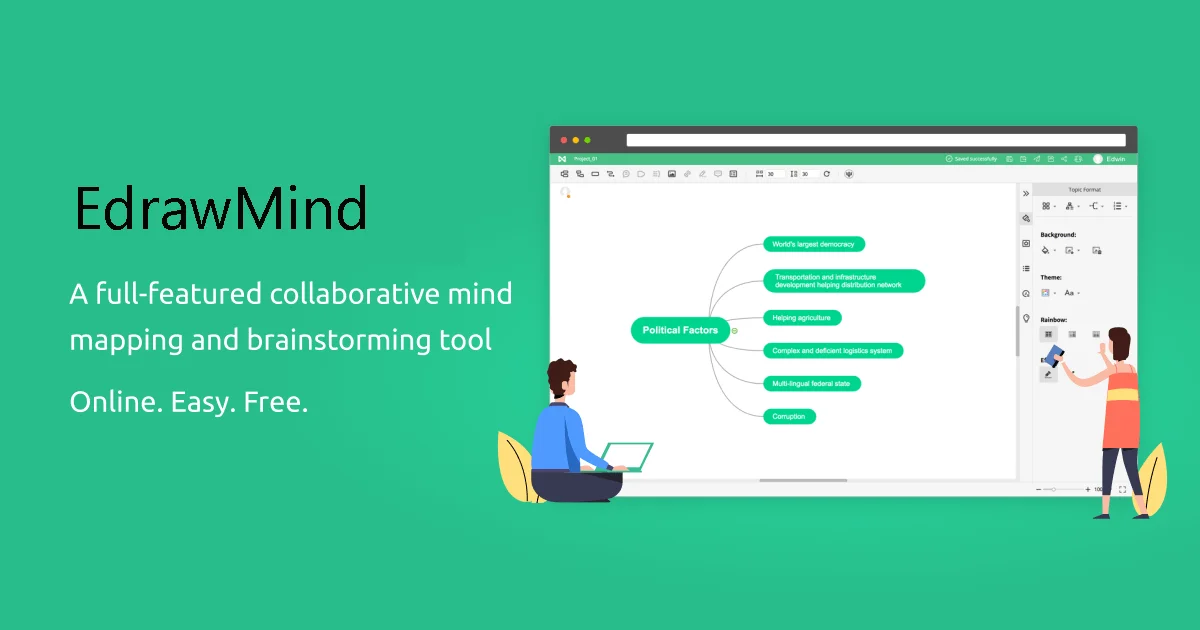
AI-Powered Mind Mapping and
Collaborative Online Mind Mapping
Collaborative Mind Mapping &
Best AI Interior Design Tools for Room Planning, Staging & Renovation Visualization
Visualize room layouts, experiment with furniture placement, and stage spaces for real estate — all before picking up a single paint brush. Tested on real interior design projects.
Most-Used Category
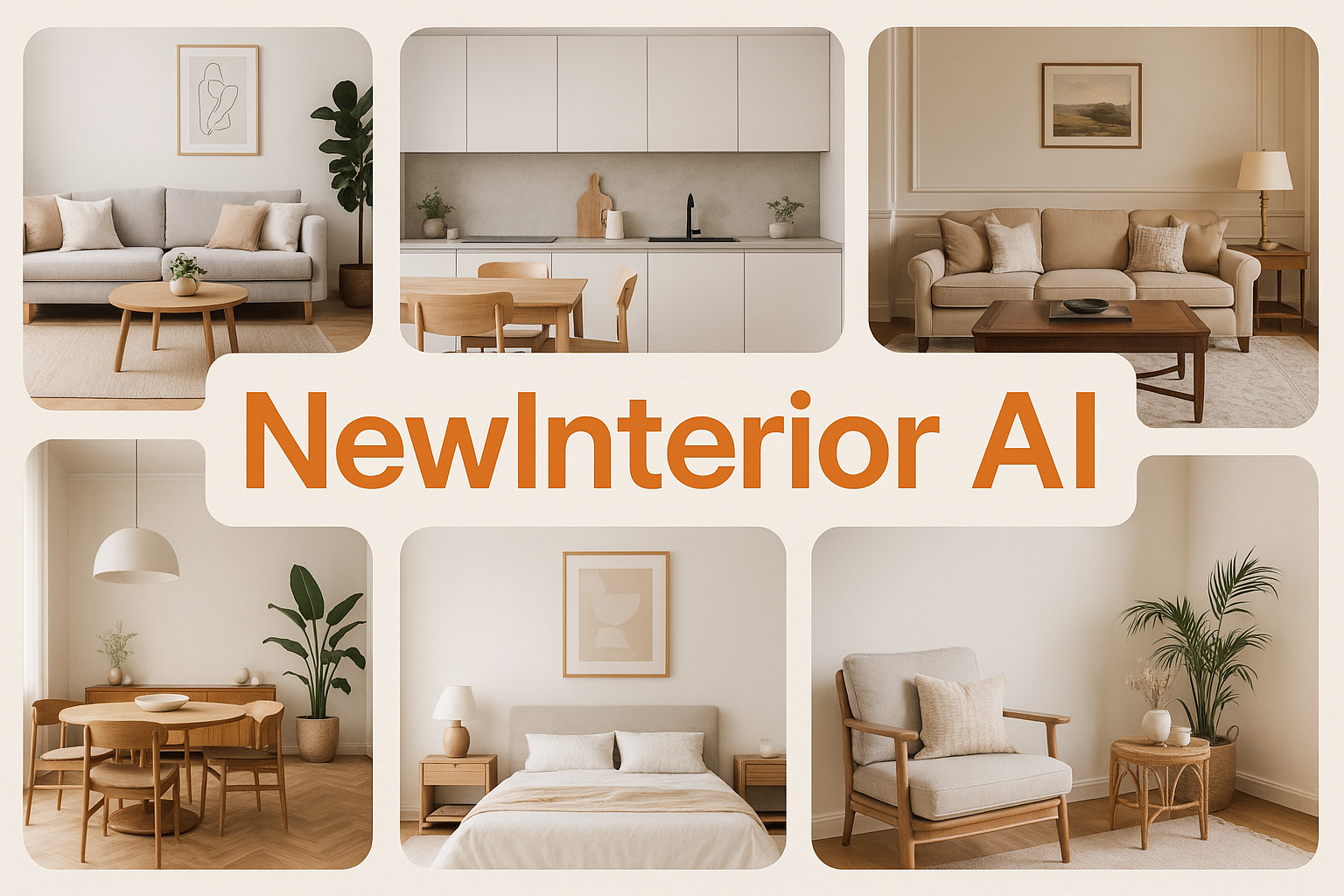
Generate design + furniture recommendations
Transform room photos into different styles
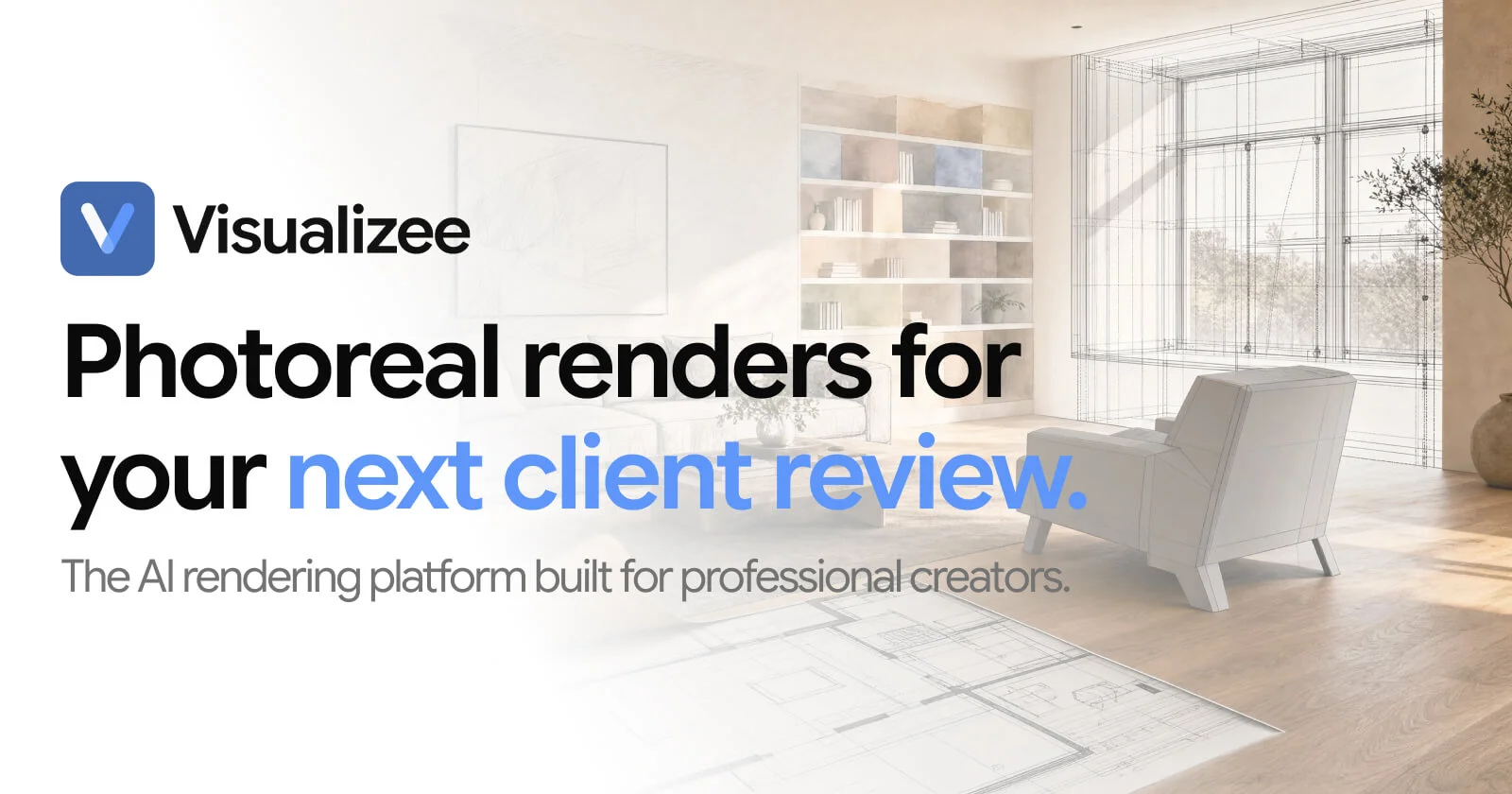
An AI rendering platform that generates photorealistic 3D interior design concepts.
AI-Powered Feng Shui & Spatial Energy Analysis Tool
Construction Intelligence & AI
Luxury Interior Design &
3D Interior Design, Virtual
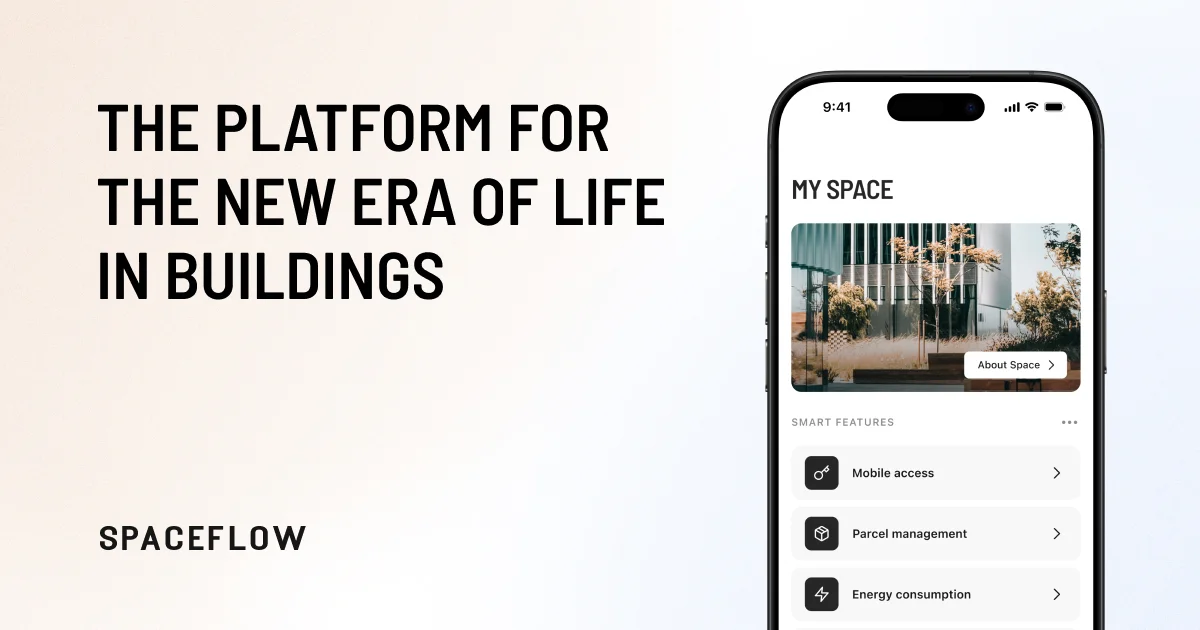
Tenant Experience & PropTech
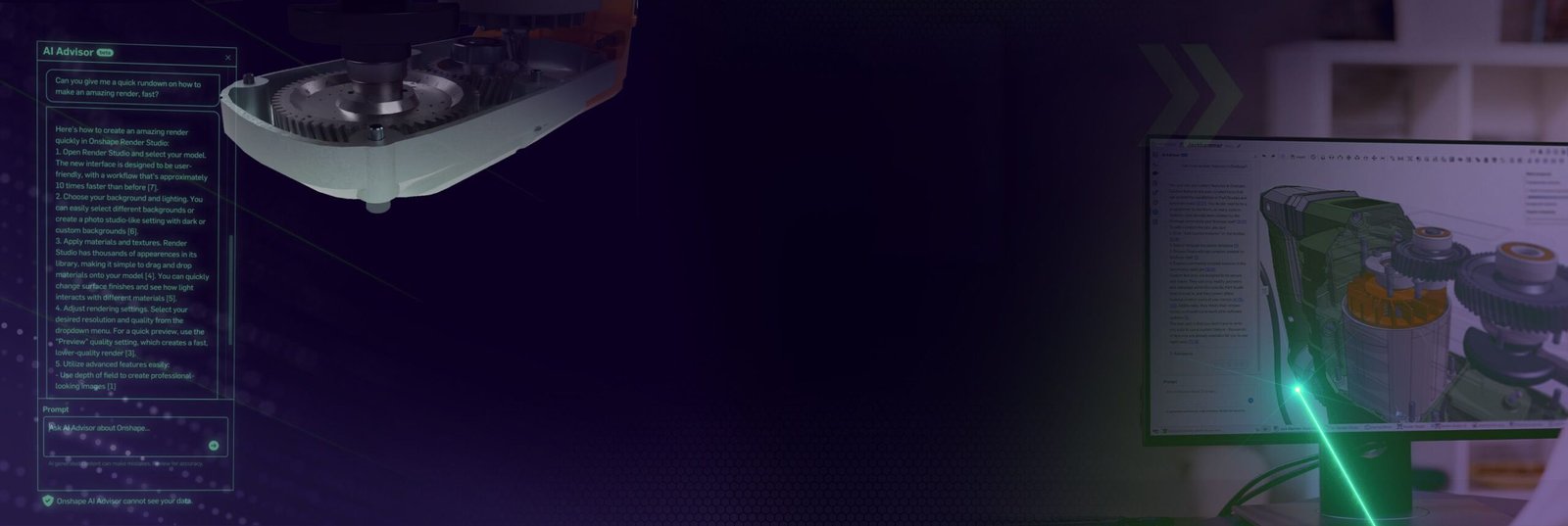
Enterprise AI Workspaces Platform
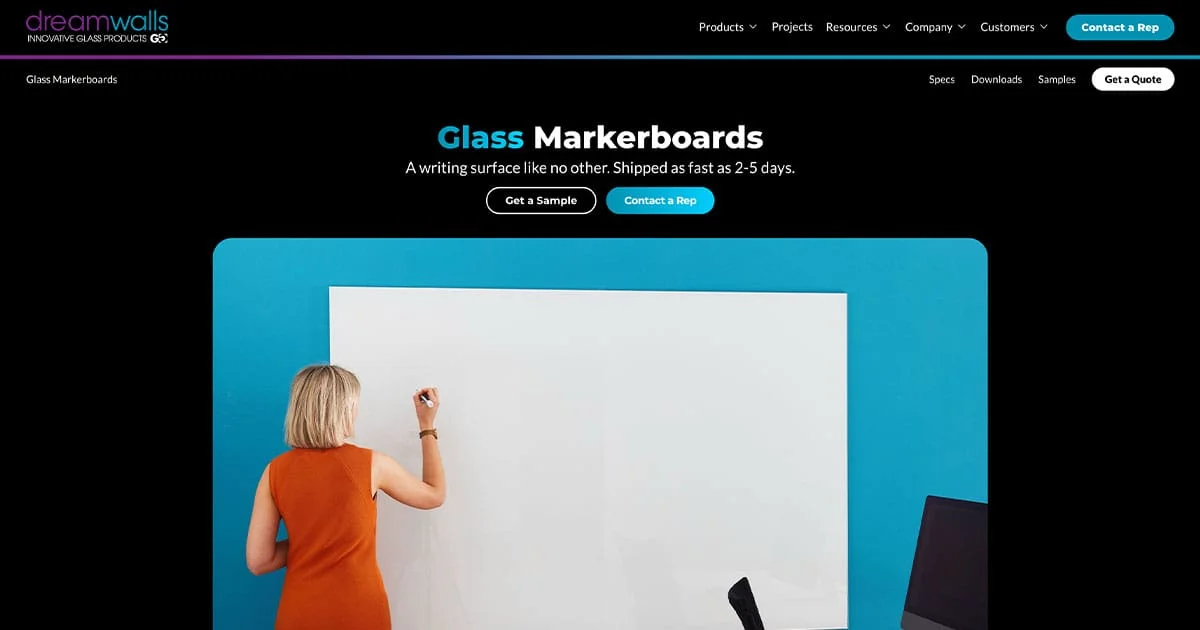
Glass Markerboards & Architectural
AI Interior Design &
AI-Powered Feng Shui &
Best AI Industrial Design Tools for Product Engineering & Concept Development
From CAD automation to generative design and simulation — these AI tools are reshaping how industrial and product designers bring ideas from concept to manufacturable prototype.
Most-Used Category
Turn sketches into product concepts and realistic design renders
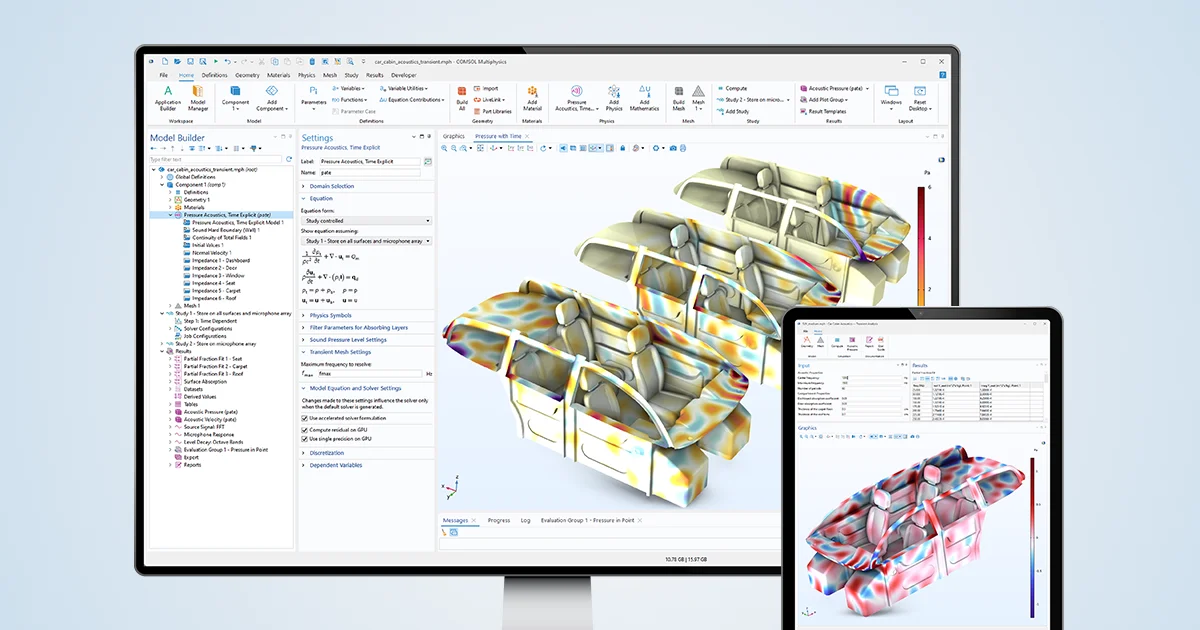
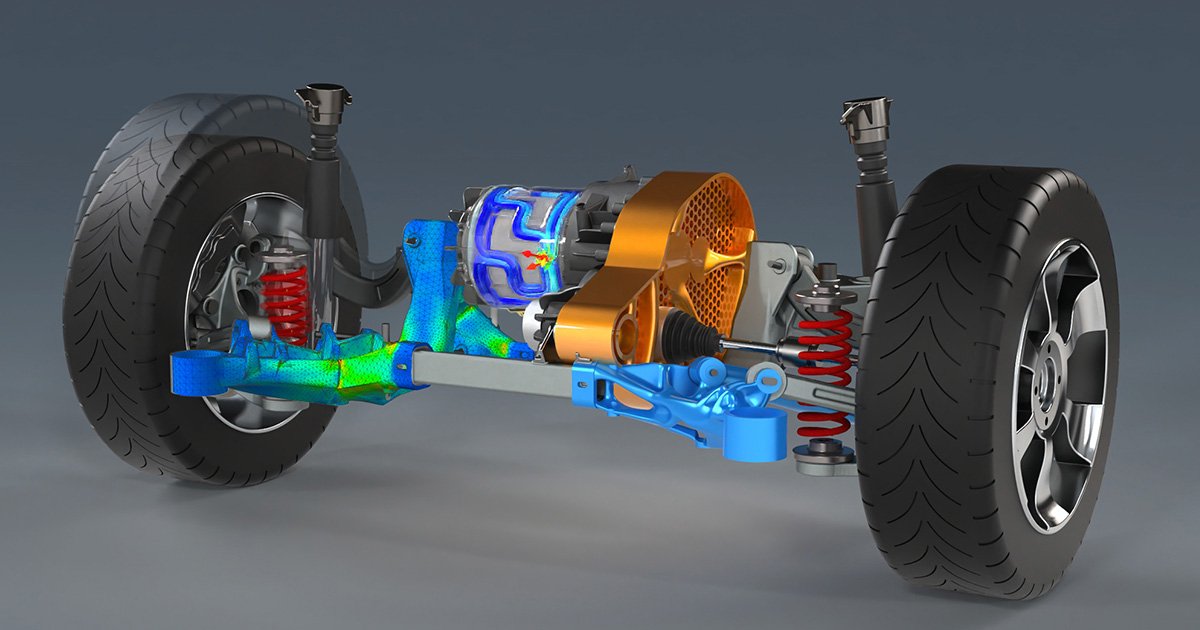
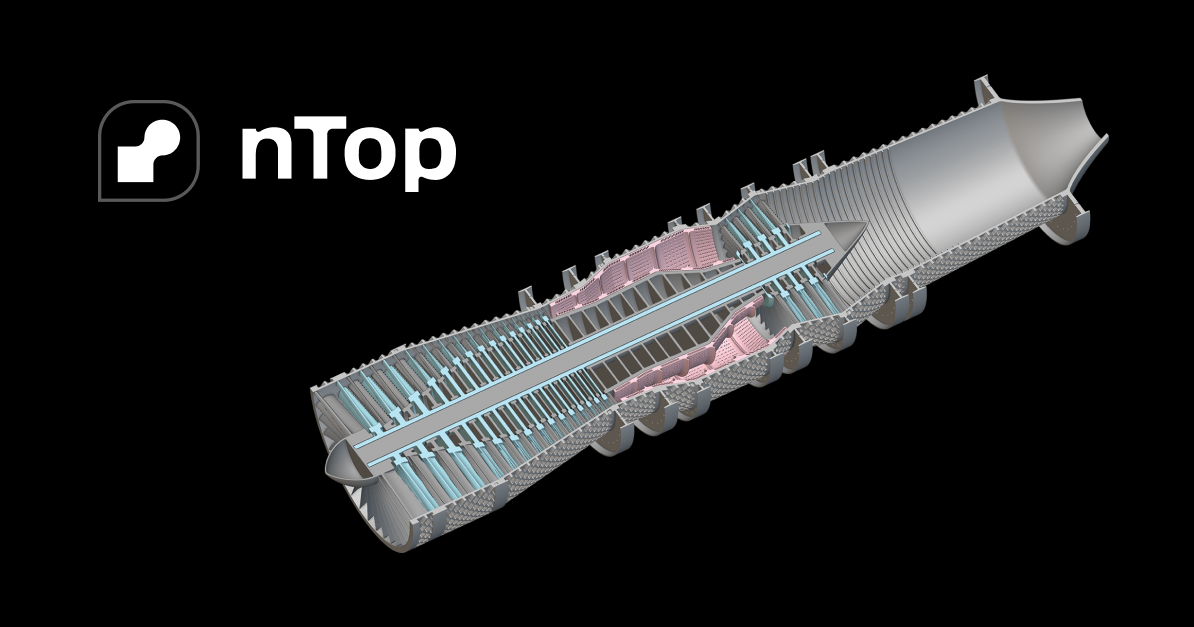
Optimize engineering designs and simulations with AI-powered modeling
Optimize product designs, structures, and engineering concepts with AI
Create realistic product renders and visualizations with AI-assisted tools
Generate lattice structures and
Create realistic product renders
Create, edit, and manage
Design, simulate, and manufacture
Optimize engineering designs and
Design advanced engineering parts
Optimize product designs, structures,
Turn sketches into product
Best AI Architecture Design Tools for Concept Design, BIM & Site Planning
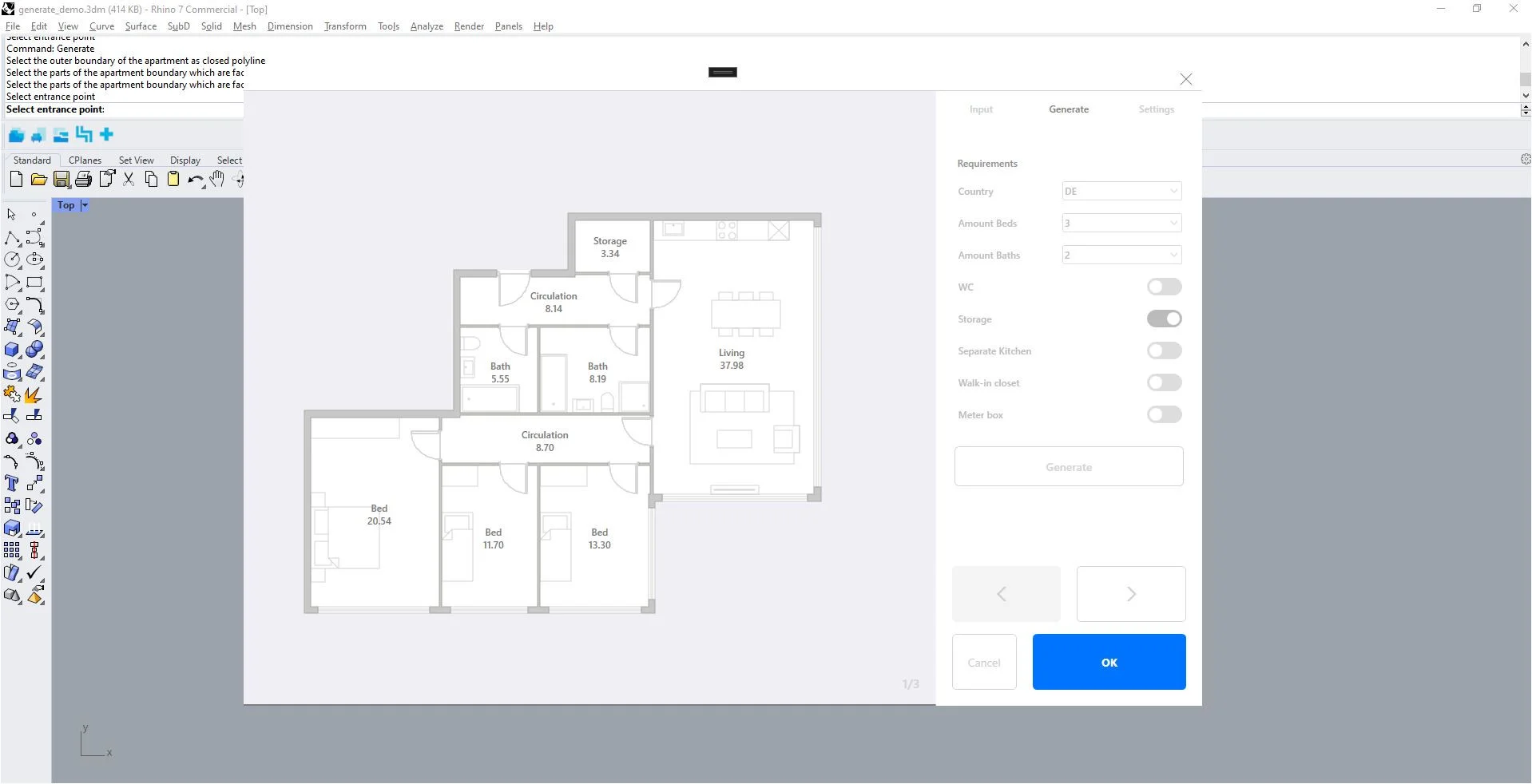
Generate floor plans, produce photorealistic architectural renders, and explore massing concepts with AI — cutting weeks off early-stage design without sacrificing precision.
Most-Used Category
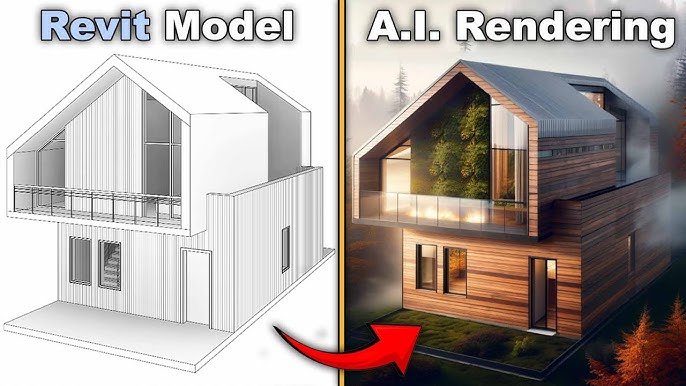
AI renders directly from your models
Create and edit architectural CAD drawings online
AI Video Editing & Automated Content Creation Platform
Estimate project viability and building massing
Generative Design & Floor
AI Architectural Rendering &
AI Video Editing &
Architectural Practice Management &
AI-Powered 360° Construction Documentation
Infrastructure Engineering & Architectural
3D CAD & Mechanical
Don't lose this. Bookmark aidesigntools.best.
320+ AI design tools, organized by category, updated every Monday. The only directory curated by working designers — not AI scrapers.
From the Blog
AI Design Tool Guides, Reviews & Comparisons
Deep dives into the tools that matter. Written by designers, tested in real workflows — not summarized from press releases.
Stuck on turning your app idea into a polished interface? You are not alone. Designing UI by hand takes time
Are you torn between sticking to Figma or trying out the latest AI UI design apps? You are not alone.
You’ve heard about AI design tools but feel lost in the sea of plugins and options. Maybe your first AI
Frequently Asked Questions About AI Design Tools
AI-Powered Design Tools for Creative Workflows, Layout & Prototyping
What are AI powered design tools?
AI powered design tools are software applications that use artificial intelligence — including machine learning, generative models, and computer vision — to automate or assist with design tasks. These tasks range from generating images and layouts to cleaning up photos, creating 3D models, animating characters, building presentations, and producing UI prototypes. Unlike traditional design software, AI tools can produce results from text prompts, references images, or rough sketches — dramatically reducing the time from idea to output.
What are the best AI design tools in 2026?
The best AI design tools in 2026 depend on your discipline. For UI/UX design: Figma AI, Visily, and Uizard lead the field. For graphic design: Glorify, Adobe Firefly, and Microsoft Designer are top picks. For 3D design: Meshy AI, Spline, and Polycam are widely used. For interior design: Spacely AI, Decor8 AI, and newinterior.ai are the most tested. Our directory lists 320+ tools across all categories — each reviewed by working designers.
Are AI design tools replacing designers?
No. AI design tools are replacing repetitive tasks, not designers. Things like resizing images, generating background variants, building boilerplate wireframes, or creating presentation slide layouts are faster with AI — which frees designers to focus on strategy, creative direction, and client communication. Most working designers use AI tools to move faster and present more options, not to step back entirely. The designers who thrive are those who know which AI tools to use and when.
What is the difference between “ai design tools” and “ai powered design tools”?
These terms describe the same category of software. “AI design tools” is the more common search term used by designers looking for a tool. “AI powered design tools” is often used by people researching the category more broadly — comparing features, capabilities, and use cases across multiple products. Both refer to design software that uses artificial intelligence to generate, automate, or enhance design work.
Which AI tools are best for UI/UX designers?
For UI/UX design specifically, the top AI tools are: Figma AI (for in-context design assistance inside existing Figma workflows), Visily (for turning screenshots and sketches into editable Figma components), Uizard (for converting hand-drawn wireframes to digital prototypes), Relume AI (for generating website sitemaps and component wireframes), and Framer AI (for publishing production-ready AI-generated websites). Our full AI UI/UX tools category has 40+ options with reviews.
Are there free AI design tools?
Yes — many of the best AI design tools have a free tier. Free options include: Microsoft Designer (free with Microsoft account), Canva AI features (free on the basic plan), Framer (free for a single project), Spline (free for public projects), Visily (free tier available), and Gamma (free for a limited number of slides). For a full list of free AI design tools organized by category, browse our directory and filter by pricing.
How do I choose the right AI design tool for my project?
Start with your specific task: Generating images or illustrations? → Use Midjourney, Adobe Firefly, or DALL·E Building UI prototypes? → Use Figma AI, Uizard, or Visily Creating presentations? → Use Gamma, Beautiful.ai, or Presentations.ai Designing a logo or brand identity? → Use Looka, Brandmark, or Adobe Express AI Interior design visualization? → Use Spacely AI or Decor8 AI 3D modeling from images? → Use Meshy AI or Polycam Our search and filter system lets you narrow by category, price, and use case in seconds.

How often is this directory updated?
We update the directory every Monday. New tools are added as they launch, existing tool reviews are revised when major feature updates ship, and we remove tools that have shut down or become significantly worse since their initial review. Every tool card shows a “Last reviewed” date so you always know how current the information is.

How do you select which AI design tools to include?
Every tool in our directory is tested hands-on by a designer on our team or a vetted contributor. We evaluate tools on: functionality (does it do what it claims?), design quality of outputs, ease of use for designers, pricing fairness, and active development (is the team shipping updates?). We do not accept payment for inclusion — all listings are editorially independent.
Can I submit an AI design tool to be listed?
Yes. If you’ve built an AI design tool and want it reviewed, use our Contact page to submit it. Include a demo link or trial access. We review all submissions but cannot guarantee listing. Tools must be genuinely useful for designers and must work as advertised.

Get the Best New AI Design Tools in Your Inbox Every Monday
Join 5,000+ designers who get our weekly roundup: new tools, honest reviews, and what’s actually worth trying. No fluff. Unsubscribe anytime.
Get New AI design tools Update in your inbox, every Monday.